How to Track YouTube Channel Growth: The 5 Metrics That Actually Matter
Track five metrics, not subscriber count: average view duration, CTR, returning viewers, traffic sources and RPM. Includes a monthly review template you can copy.
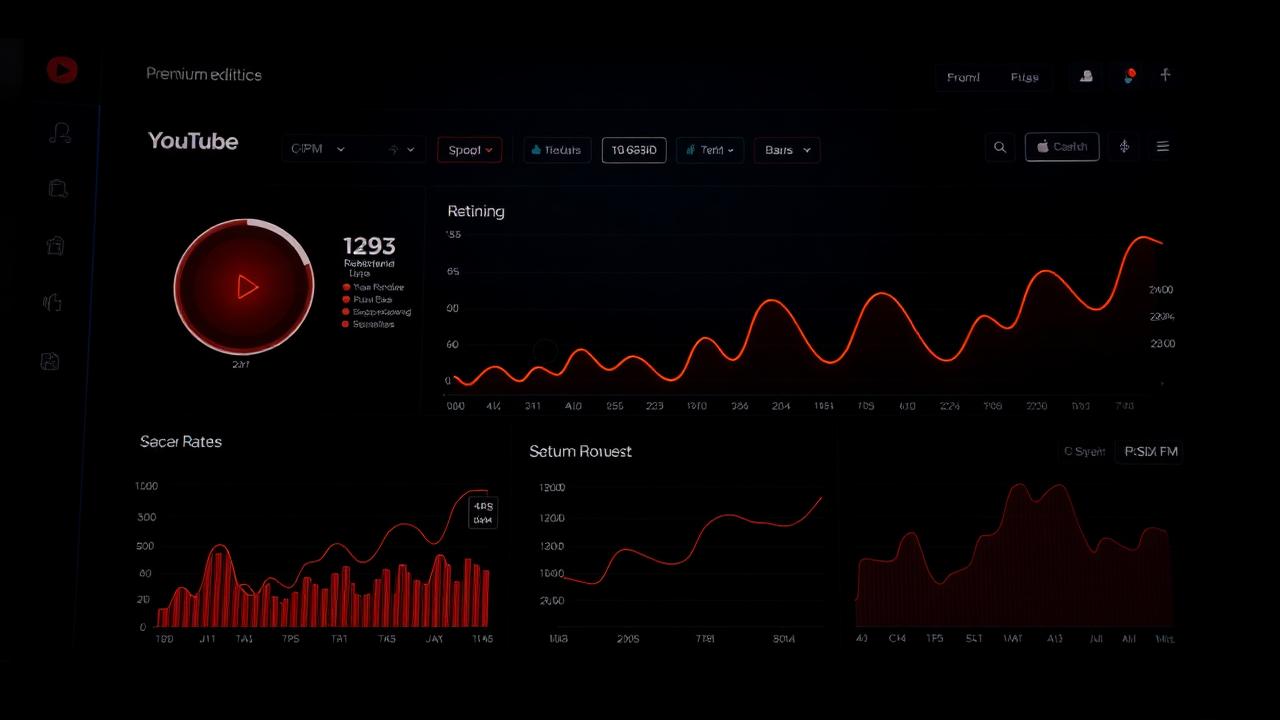
The short answer: track five metrics in YouTube Studio, average view duration, click-through rate, returning viewers, traffic sources and RPM, and review them once a month against your channel average. Subscriber count is a lagging indicator; these five predict what the algorithm does next. Below is exactly where to find each one and what to change when a number moves.
Most creators check YouTube Analytics the way you check the weather, a quick glance at subscribers and views, then back to editing. That's not tracking growth; that's monitoring vanity. Real channel growth is measured in the metrics that predict what the algorithm will do next: retention curves, click-through rate, returning viewers, and revenue per mille.
Why subscriber count is the wrong scoreboard
Subscribers are a lagging indicator. By the time a video moves the subscriber number, the algorithm has already decided whether to keep distributing it. The metrics YouTube actually uses to rank a video are watch time, average view duration, click-through rate, and session contribution, and all four are visible in YouTube Analytics if you know where to look.
The five metrics that actually predict growth
- Average View Duration (AVD), how long the typical viewer stays. Below 40% of video length usually means the hook or pacing is off.
- Click-Through Rate (CTR), how many impressions turn into clicks. 4–6% is healthy for most niches; under 3% means the title or thumbnail is not pulling weight.
- Returning Viewers, the share of views from people who watched you before. Rising returning-viewer percentage is the clearest signal of a real audience.
- Impressions and Traffic Source, where the views are coming from. Browse Features and Suggested Videos rising means the algorithm is actively promoting you.
- Revenue Per Mille (RPM), actual dollars earned per 1,000 views, after YouTube's cut. RPM tells you which topics are commercially viable, not just popular.
How to read the audience retention curve
Open any video in YouTube Studio and scroll to the retention graph. A healthy curve drops sharply in the first 30 seconds (normal, viewers are deciding), then flattens. Sudden cliffs at minute 2, 5, or 8 mean a specific moment lost the audience, usually an intro that drags, a sponsor read placed too early, or a topic shift the viewer did not sign up for.
Spikes upward (rewatched moments) are the most underused signal in analytics. They tell you exactly which kind of moment your audience loves, replicate it in the next video.
What CTR tells you about your packaging
CTR is the closest thing YouTube gives you to a packaging score. If a video has a strong AVD but low CTR, the content is good but the title and thumbnail are not earning the click. If CTR is high but AVD is low, the packaging is over-promising. The goal is both above the channel average.
CTR without retention is clickbait. Retention without CTR is a hidden gem nobody finds. You need both, and analytics tells you which side is broken.
CPM vs RPM, what those revenue numbers actually mean
CPM is what advertisers pay per 1,000 ad impressions. RPM is what you actually receive per 1,000 video views, after YouTube's share and after non-monetized views. RPM is the number that pays rent. Track RPM by topic, not by month, you'll often discover that a smaller niche pays 3–5x more per view than your high-volume content.
Tools beyond YouTube Studio
YouTube Studio is the source of truth, but for trend analysis third-party tools add useful context. vidIQ and TubeBuddy surface keyword-level data; Social Blade is useful for comparing growth trajectories against competitors; Google Trends shows whether your topic is rising or fading globally. None of these replace Studio, they make Studio's data easier to act on.
A simple monthly review that beats daily checking
Daily analytics checks create noise and emotional decisions. A focused monthly review beats them: list every video published, compare AVD and CTR against the channel average, identify the top two performers and the bottom two, and ask one question, what did the top two have in common that the bottom two didn't? That single answer drives the next month's content.
A worked example: a cooking channel reviewed twelve videos from one month. The top two, a 9-minute '5 mistakes' video and a 12-minute budget-meals video, both held 52% AVD and 6% CTR. The bottom two, a 25-minute vlog and a 3-minute quick tip, sat at 28% AVD and 2.5% CTR. The pattern: mid-length, list-format videos with a clear promise won; very short and very long formats lost. The next month's plan dropped vlogs and quick tips entirely and doubled down on 8-to-14-minute list videos, and the channel's average AVD rose nine points in sixty days.
Channels do not grow because creators check analytics more often. They grow because creators act on what analytics tells them, once a month, consistently, for a year.
Common questions
- Which five metrics should I review monthly?
- Review average view duration, click-through rate, returning viewers, impressions and traffic sources, and revenue per mille (RPM). Compare them with your channel's previous periods and similar videos.
- Why isn't subscriber count enough to track growth?
- Subscriber count is a lagging indicator and does not show how viewers currently respond to videos. Review viewing behavior and traffic sources alongside subscriber changes to decide what to improve next.
Want a real growth audit?
We'll review your channel and come back with a concrete plan within two business days.
Request a Growth Audit